Day 112: How I Collect and Process Feedback
Three days ago, I listed the flurry of requests that had come in from the recent influx of new Intention users from the Hacker News launch. It was a bit overwhelming having so many things to keep track of, and for a while, I wasn’t sure how to deal with it all. But I quickly figured out a simple process that made everything much easier to deal with!
Here are my requirements for collecting and processing feedback:
-
It should be easy for a user to provide feedback
-
It should be easy for me to triage feedback regularly (aiming for once a day / every few days)
-
Since I use GitHub Issues to track my tasks, feedback should be linked to a GitHub issue whenever possible
-
The feedback <> GitHub issue link should be bidirectional: A piece of feedback should have a reference to the issue, and the issue should contain a reference to the feedback
-
It’d be ideal to have Intention users create issues directly in GitHub, but there are two problems with this:
- It’d limit feedback to people who have or are willing to create a GitHub account
- I’d have to create a separate repo just for issues since I don’t want to open source my code, and I’d lose the workflow of closing issues from my git commit messages
-
-
Once a piece of feedback is resolved (bug is fixed, feature is implemented, or I decide it’s not a good fit for the product), the submitter should be notified by email
Below, I describe the process I’ve come up with. It’s not perfect, and it’d probably might make sense to adopt a dedicated service for this (e.g. Nolt, Herald) in the future, but for now, it’s good enough. And good enough is good enough for me!
How I Collect Feedback
-
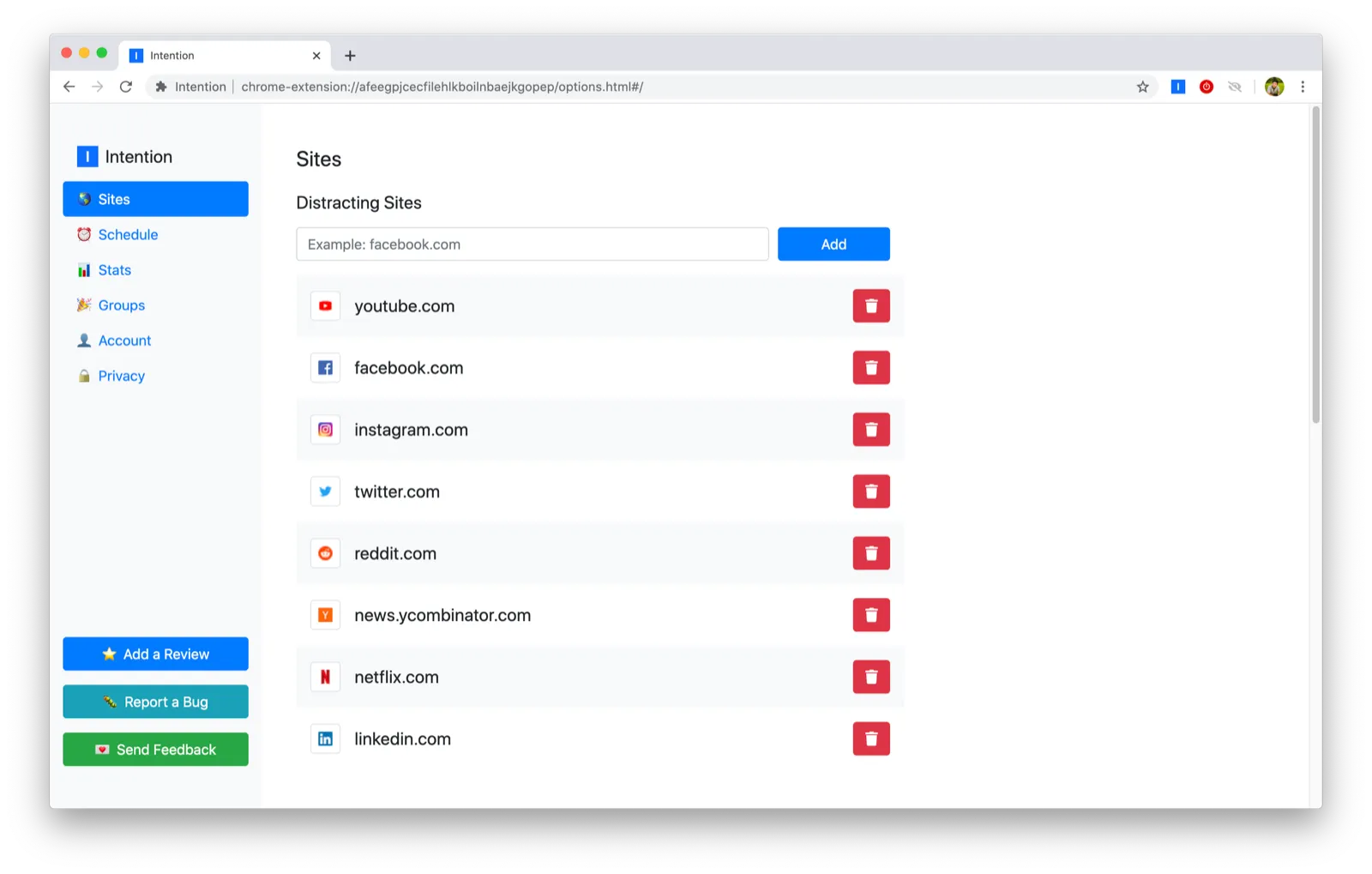
User clicks “Report a Bug” or “Send Feedback” buttons in Intention’s settings page
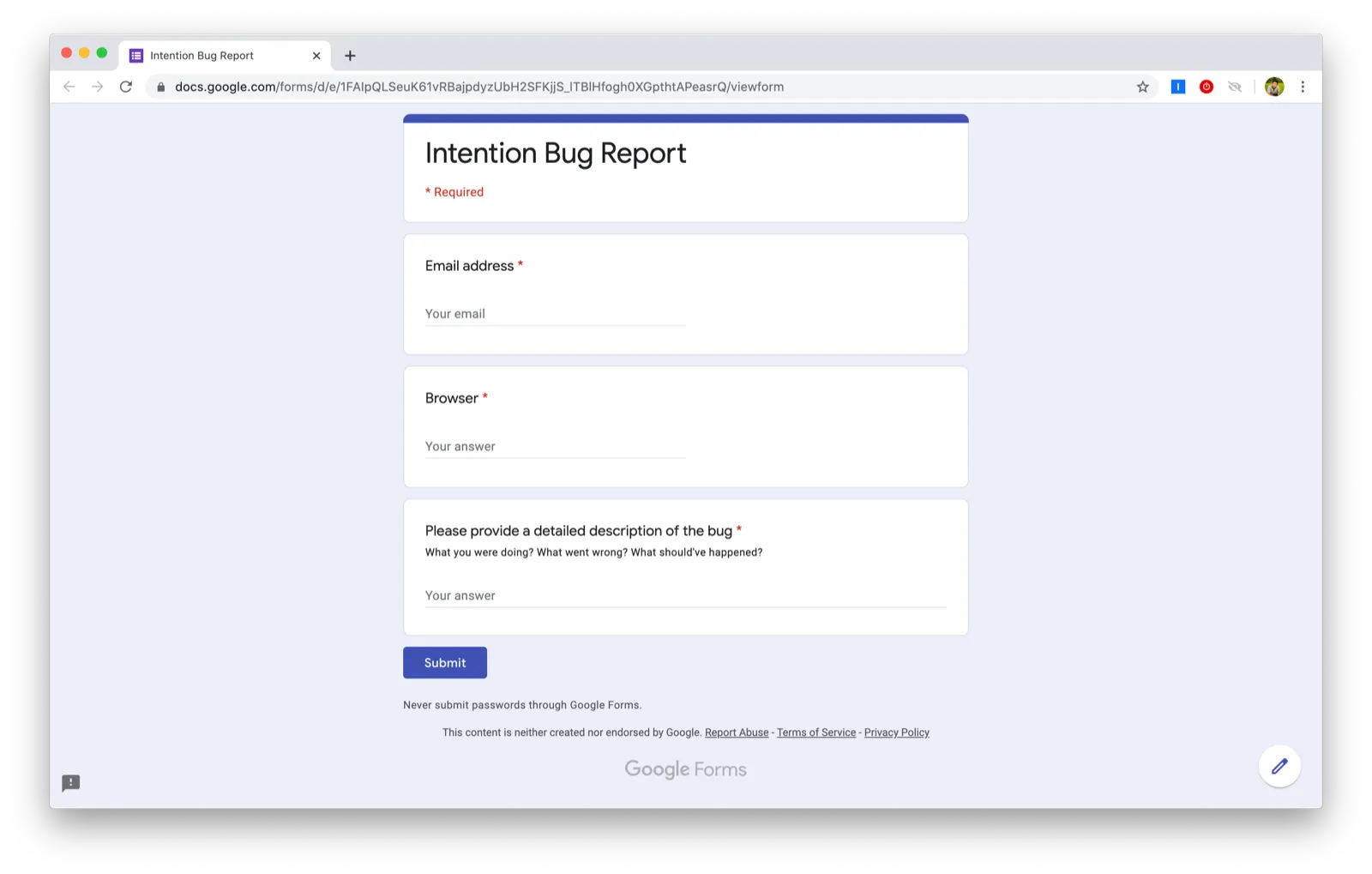
- I originally only had the “Send Feedback” option, but I wanted to separate bug reports (potentially more urgent) from feature requests (an alternative solution would be to keep the single form and include an option to select “Feature request” or “Bug report”)
-
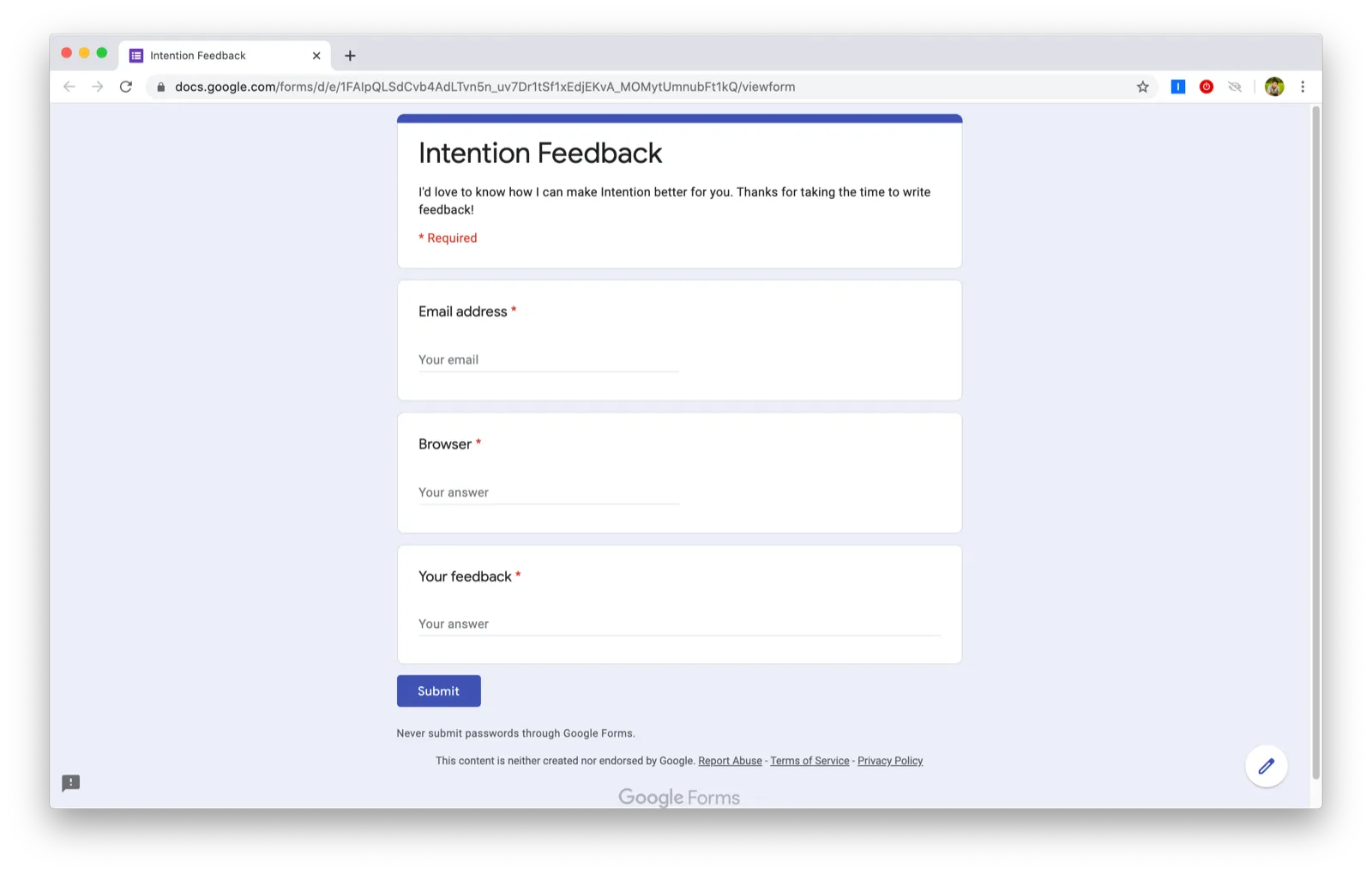
User fills out Google form with their email address, browser, and their feedback
- I originally set the email field as optional to collect feedback from users who wouldn’t want to share their email address, but there were enough cases where I wanted to follow up with the submitter for additional information that I decided it’s worth requiring it
-
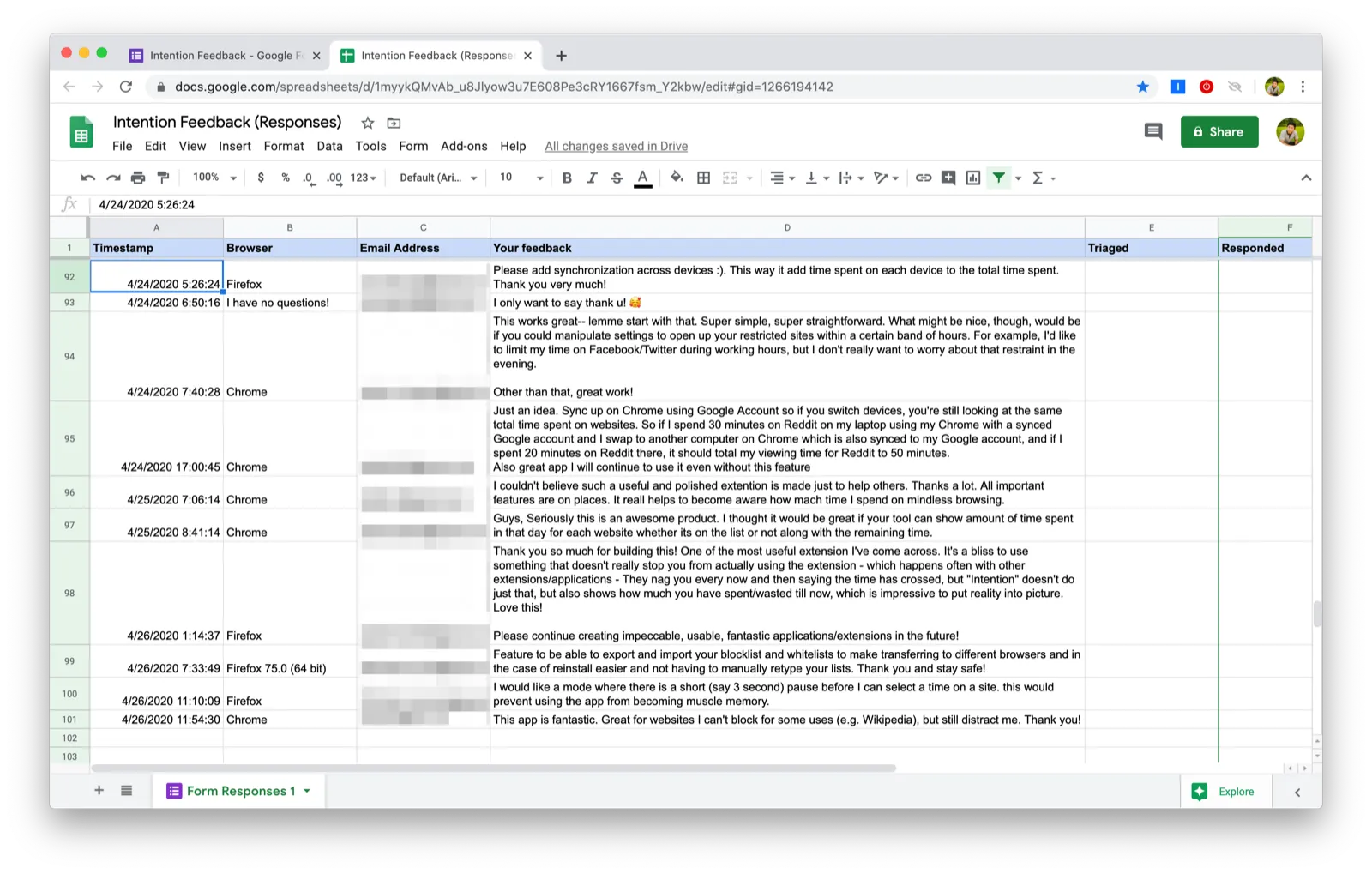
User’s feedback shows up in Google Sheets
How I Process Feedback
I added two columns to the spreadsheet created by Google Forms:
- Triaged
- Responded
Triaged
Triaged takes one of the following values:
- Blank if the feedback hasn’t been triaged
- Link to a GitHub Issue if I decide to track the feedback
- “N/A” if there’s nothing to do (e.g. feedback is a thank you message)
- “Unable to reproduce” if I couldn’t reproduce their bug (I usually email them for additional information if that’s the case)
- “No” if I’ve already decided not to complete their request (e.g. “please open source your code”)
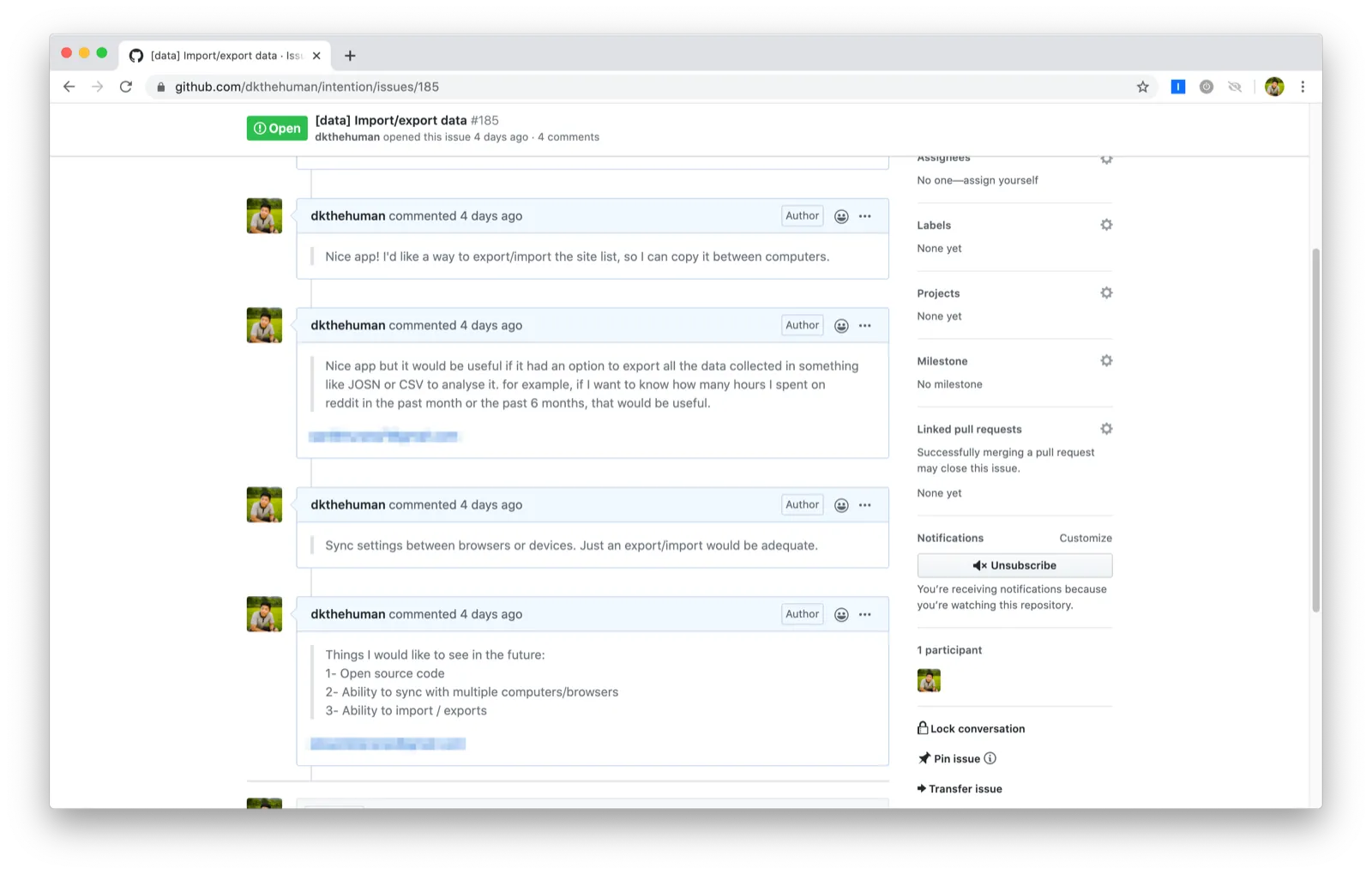
If I decide to track the piece of feedback in a GitHub issue, I copy the feedback directly in the GitHub issue so that (1) I can easily reference the feedback when working on the issue and (2) I can easily respond to everyone who cared about issue. If I get feedback from a channel other than the Google Form (e.g. text message, Twitter, Slack), I copy the message into the issue as well.
Responded
Responded takes one of the following values:
- Blank if I haven’t responded to them
- “Yes” if I have responded to them
- “N/A” if I don’t plan to respond to them
I’ve considered adding an additional step of communication where I let them know that their feedback has been received so that they don’t think their feedback has been lost forever in a black hole, but I’m going to hold off on this extra step until I’m comfortable and efficient with the above process. If/when I decide to do this, I can probably automate it using Zapier.
Workflow
- In order to triage new feedback, I filter the “Triaged” column to Blank
- In order to know who to respond to, I filter the “Responded” column to Blank
That’s it! Simply adding two additional columns in Google Sheets made it much easier to process all the incoming feedback.
If you have suggestions for making this process easier, let your boy know.
To everyone who’s written in with their feature requests, bug reports, or kind messages: thanks so much! Your feedback helps me make Intention better for everyone.