Day 431: landing page brainstorm
going to use today’s post to brainstorm what to put on browserflow’s landing page
right now, the page is clean but a bit… bare
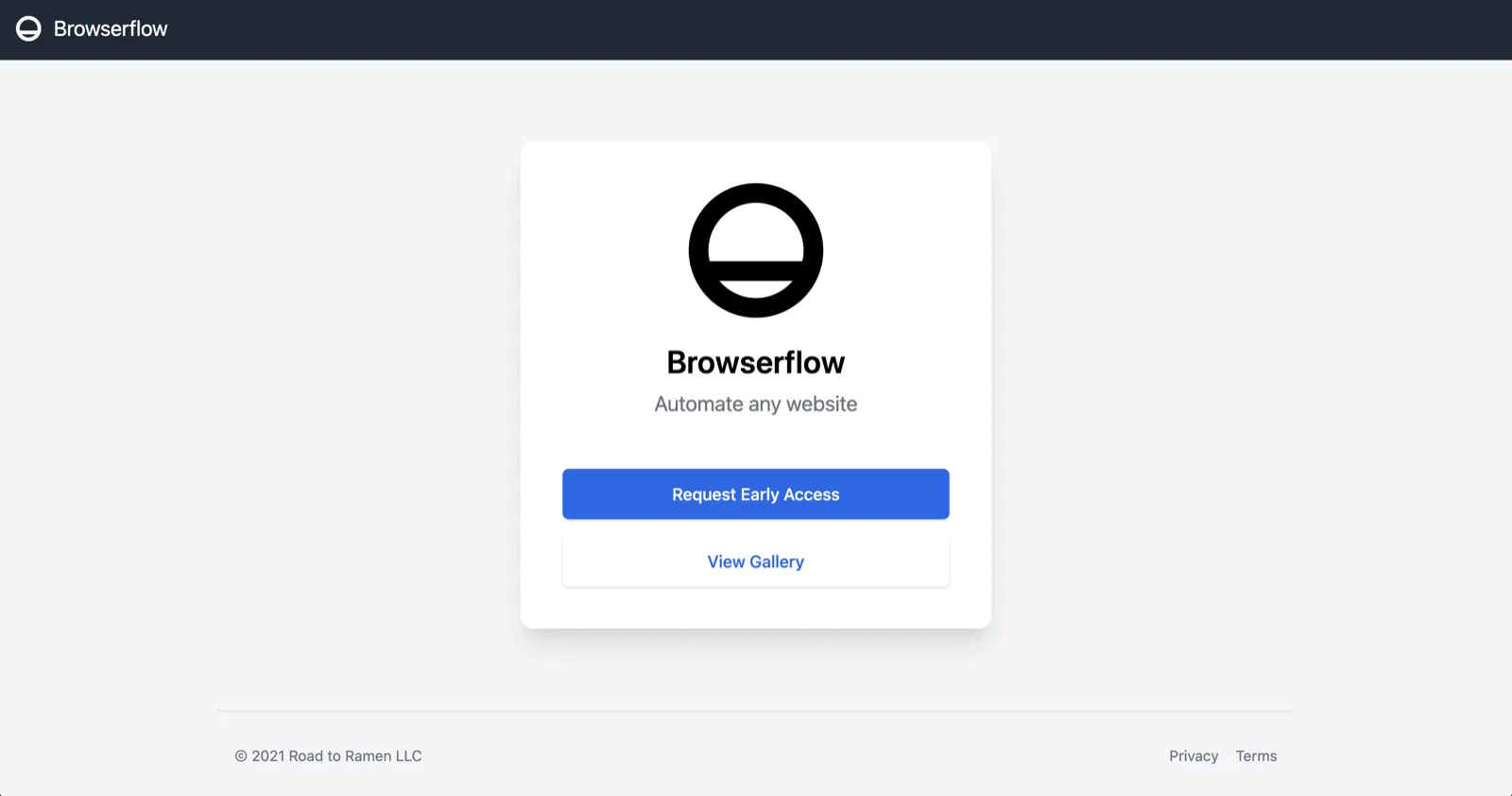
goal
the goal of the landing page is to get people to try browserflow. assuming they’d be someone who’d benefit, i want them to be intrigued enough by browserflow that they’d go through the process of setting it up. here’s how i imagine the complete acquisition funnel:
- user visits website
- user installs browserflow
- user registers an account
- user completes the tutorial
- user either (a) finds a pre-made flow suitable for them or (b) creates their own flow
- user integrates the flow into their workflow and uses it on a regular basis
- user converts to a paying customer 🎉
the purpose of the landing page is to maximize the conversion from step 1 to step 2
how
the way we’ll do that is by doing the following things with our landing page:
- describing their problem
- offering a compelling solution
this covers the “I” and “D” portions of the AIDA marketing model, which stands for Attention-Interest-Desire-Action. once they’re on the site, i have their attention so it’s time to get them interested in the solution and desire it to the point of trying it out
title
what will people first see when they visit the page? i’ve been referring to some helpful guides on landing pages like harry dry’s marketing examples and thinking through different ways to succinctly describe what browserflow does. some candidates:
- Automate your workflows
- Shortcuts for any workflow
- Browser automation for everyone
- No-code local automation
- Effortless browser automation
ultimately, i landed on this one: “Automate any website”
there’s still a lot missing there, like the fact that it’s happening in your own browser, you don’t have to write any code, it’s a chrome extension, etc., but it captures the essence of what browserflow does and why it’s valuable
it might be worth changing this up even more to focus on what benefits it provides because “automate any website” will still leave some people wondering what that’d do for them
subtitle
in the subtitle, i want to explain what value is unlocked from being able to automate any website. there are two main benefits to browser automation:
- saves time
- eliminates human errors
maybe something like: “Skip repetitive, error-prone tasks and supercharge your workflow.”
cta
button that takes the user to the chrome web store that says “get started for free” or something like that
video
on the right side of the title, subtitle, and the cta, i want to include a demo or visual that supports the text
since i want to target customer support specialists and operations people, i think going through the process of building and running a flow in a system they’d use often (e.g. intercom) might be a good way to demonstrate browserflow’s benefits. maybe building it isn’t necessary since most people won’t be interested in building their flows but rather using ones built by other people. or maybe it’d still be good to show just how easy it is to build custom flows?
ok that’s it for now