Day 394: Documenting Browserflow
(first, a lil update on yesterday’s post where i described feeling kinda crummy: my allergies hit me with full force today (nonstop sneezing, sniffling, the works!!!) so that’s definitely a major contributor to feeling off that i hadn’t been aware of. immune system pls)
Today, I came across an excellent talk that Daniele Procida gave at PyCon AU 2017 titled: “What nobody tells you about documentation” (If you build software, I’d highly recommend watching the whole thing. If you prefer text, you can read it as well.)
In that talk, he describes how “documentation” is not just one thing, but four:
- Tutorials
- How-to guides
- Reference
- Explanation
The motivation behind splitting these up into distinct categories is that they serve different purposes and being explicit about what a resource is for makes it easier to create and more useful for users.
I appreciated learning about this formulation because it made it clear how I should approach creating documentation for Browserflow.
Several beta users have asked for “more documentation”, but now it’s clear that people have been asking for different things because they’re all coming in at different experience levels.
I’m going to go through the four functions of documentation (using screenshots I took from YouTube using Browserflow!) and list ideas for how it applies to Browserflow.
Tutorials
(7:26)
(8:59)
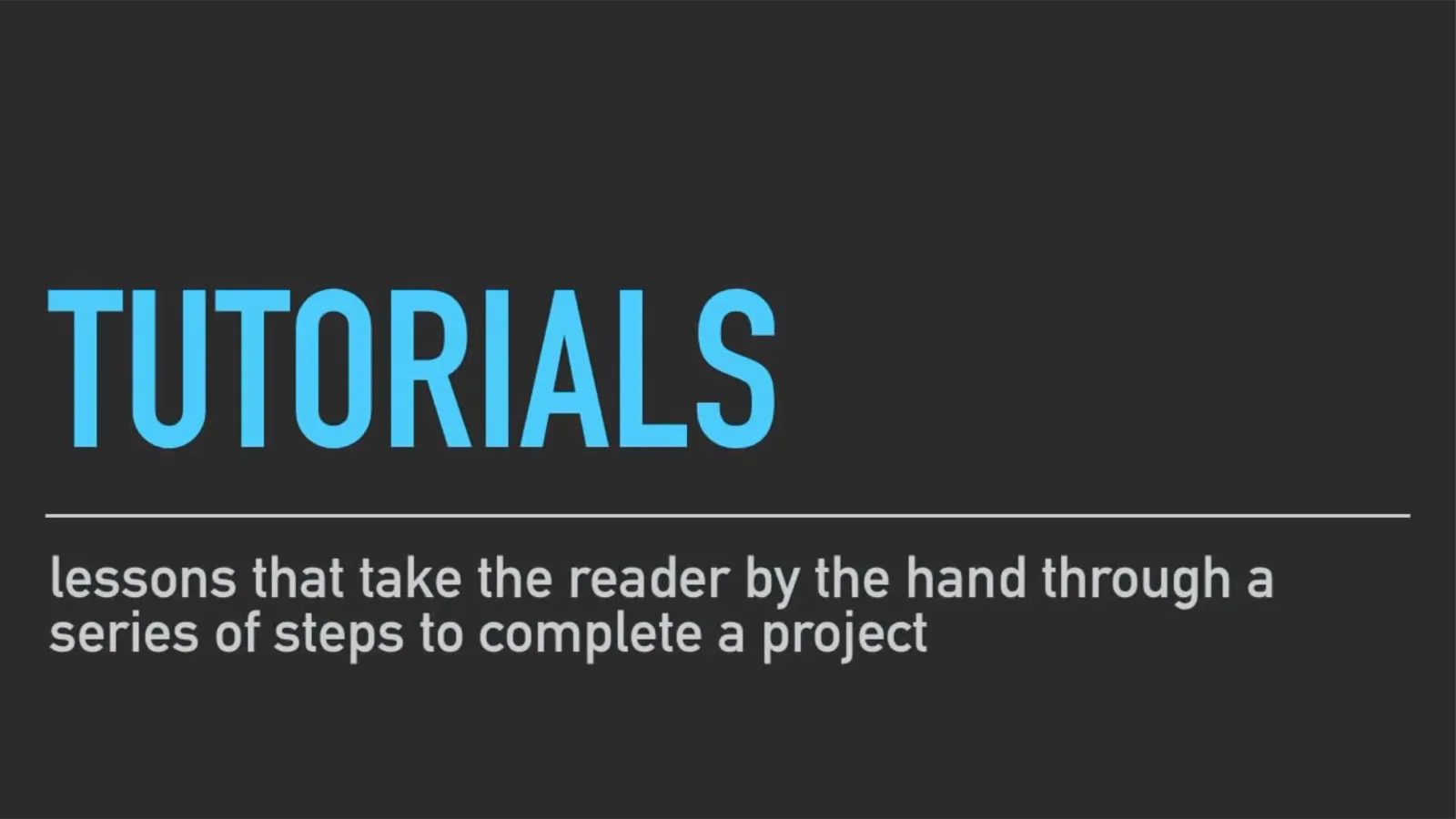
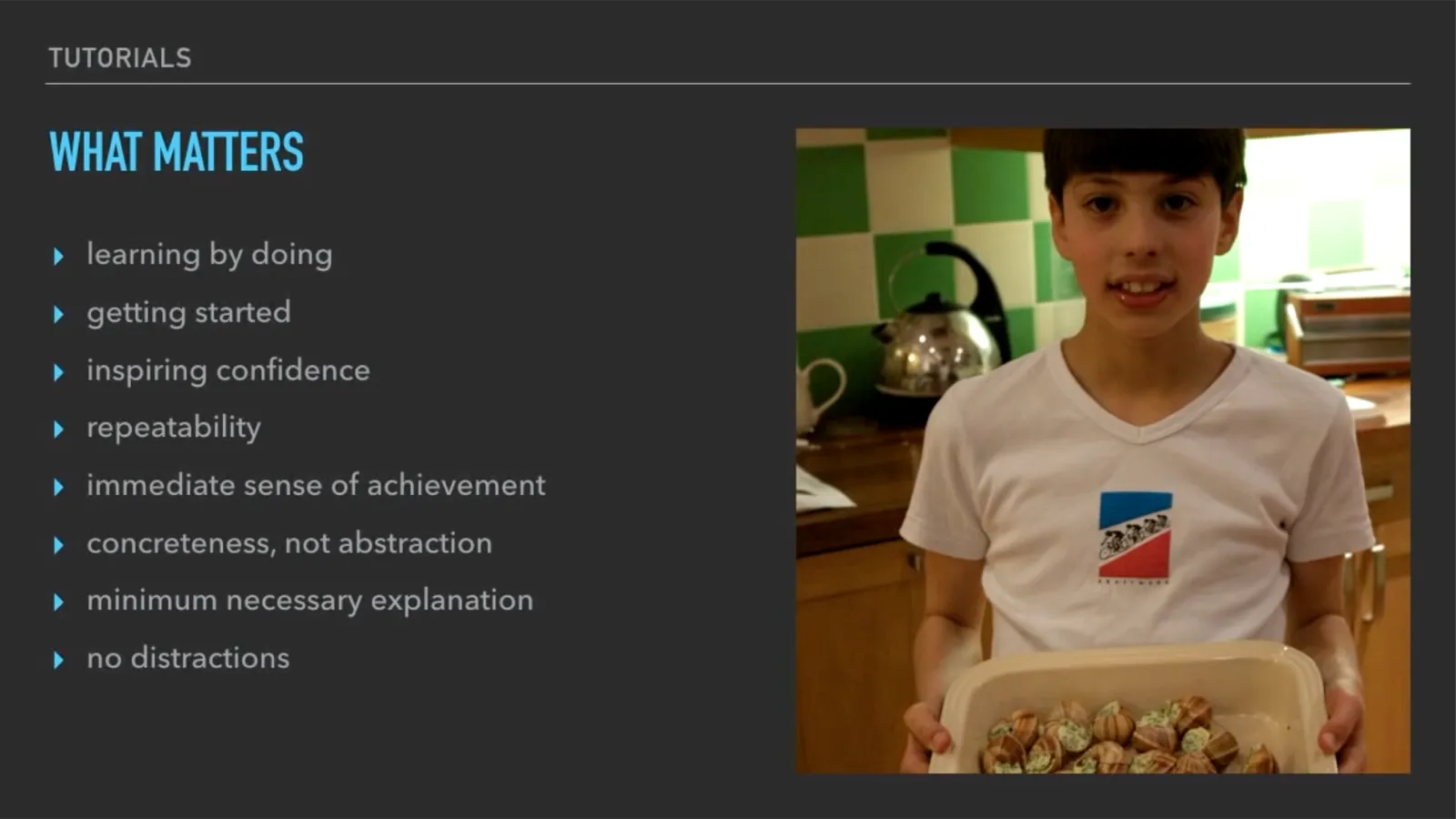
The goal of tutorials is to turn learners into users. They take people by the hand and have them achieve something meaningful.
This is what I’ve been doing with my onboarding sessions: I walk people step-by-step through the process of creating and running flows. Given that I’ve done this many times now, it should be pretty straightforward to create documentation for this so that someone can go from not knowing what Browserflow is to accomplishing something fairly quickly.
Tutorial ideas:
-
Automate filling out a form
- User learns how to record a flow and run it
-
Automate scraping a website
- User learns how to create loops, extract data, and export it
How-to Guides

(13:54)
(14:33)
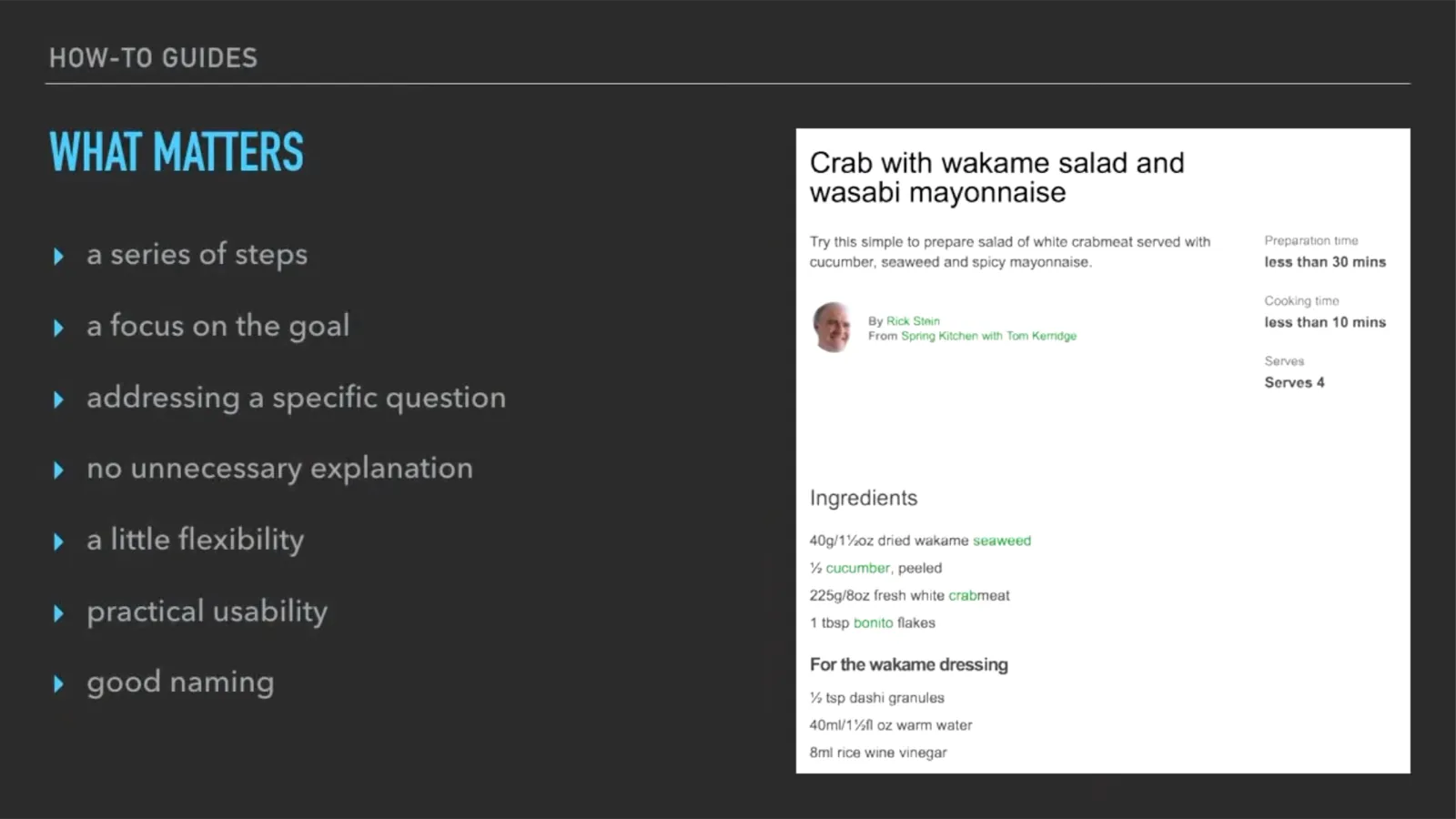
How-to guides help the user solve a real-world problem.
How-to guide ideas:
-
How to run a flow
- Command palette, editor
-
How to debug a flow
- Step button, console
-
How to create robust selectors
-
How to scrape a table
-
How to share a flow
-
How to edit flows
-
How to save a file
-
How to export data
Reference

(18:59)
(20:40)
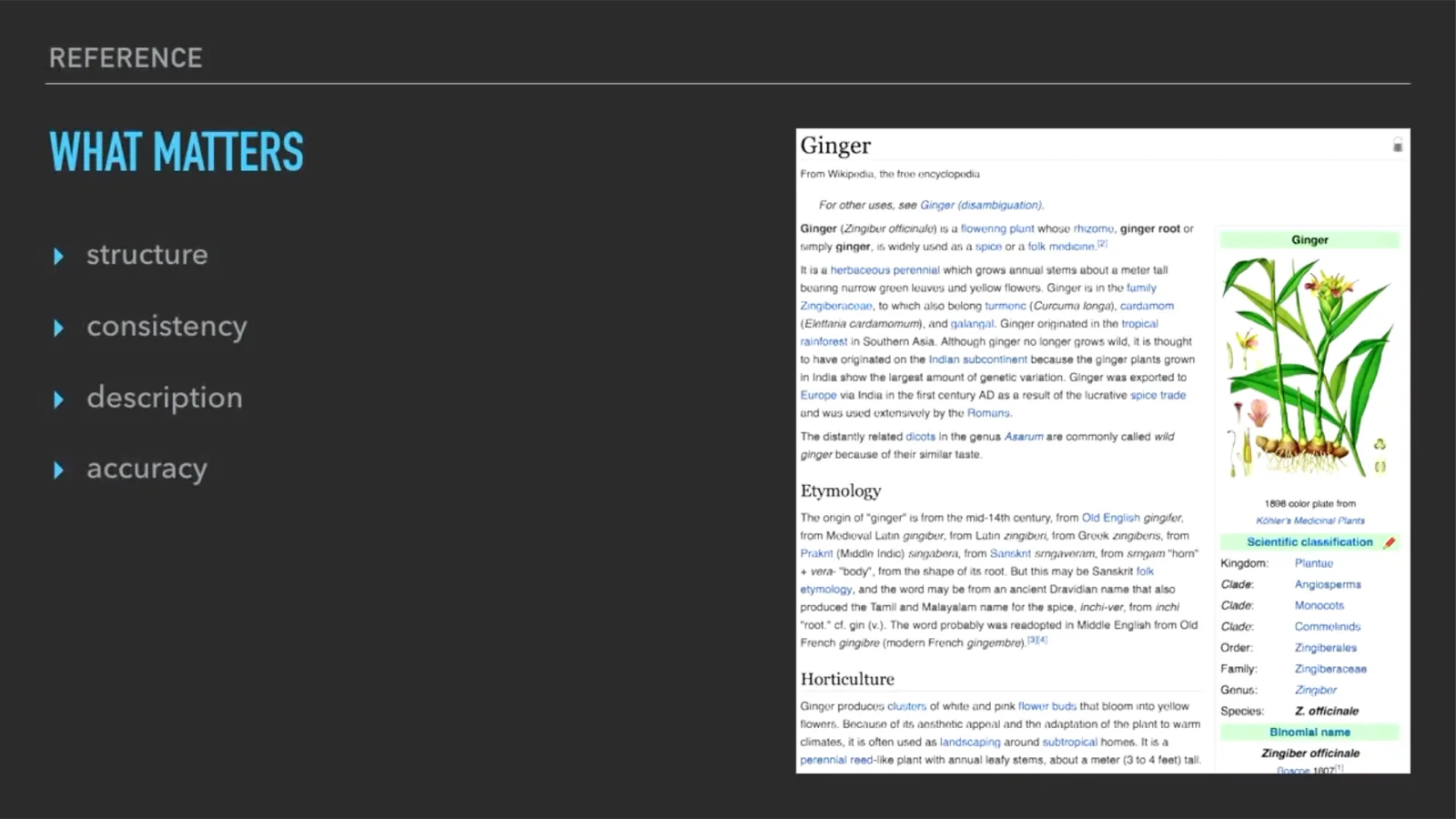
The reference describes the software and how to operate it.
Reference ideas:
- How each command works (explain inputs, outputs, effects, etc.)
- How variables work
- How the console works
Discussions

(22:37)
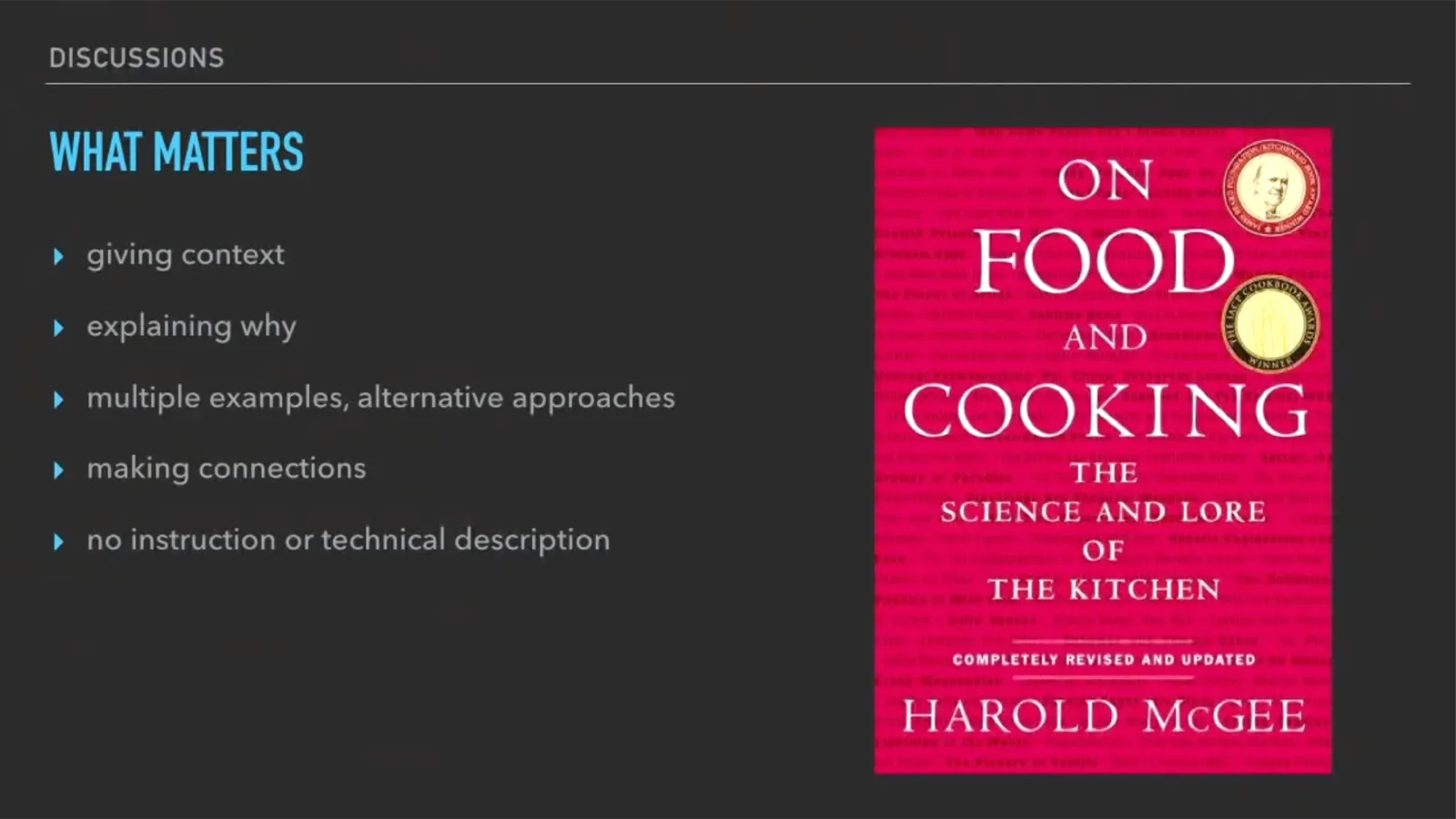
(23:12)
Discussions clarify and illuminate a particular topic.
Discussions ideas:
- Why automate workflows?
- History and existing world of browser automation
- Comparison to other solutions
Summary
The following slide and table summarize the four types of documentation:
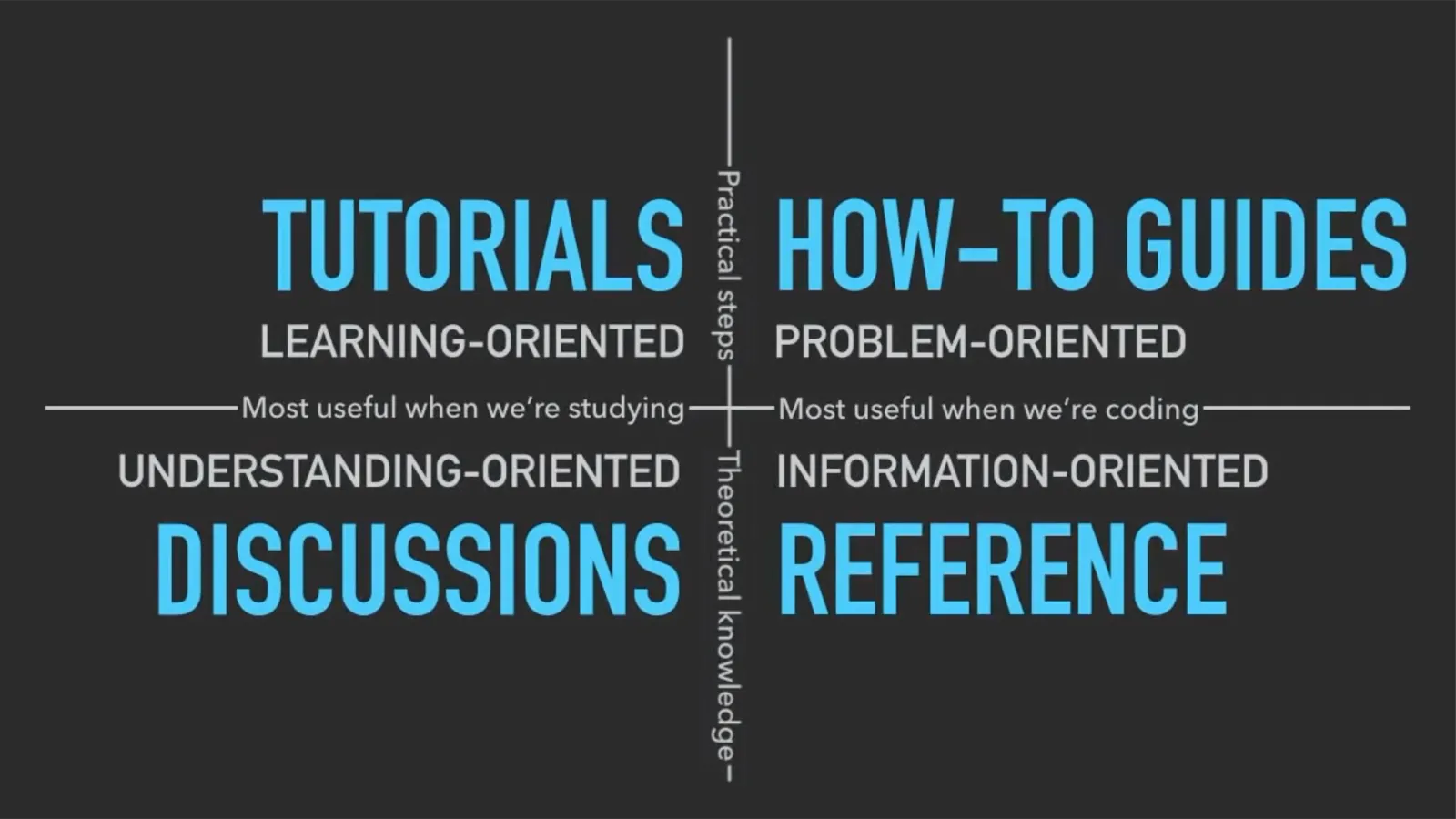
(26:47)
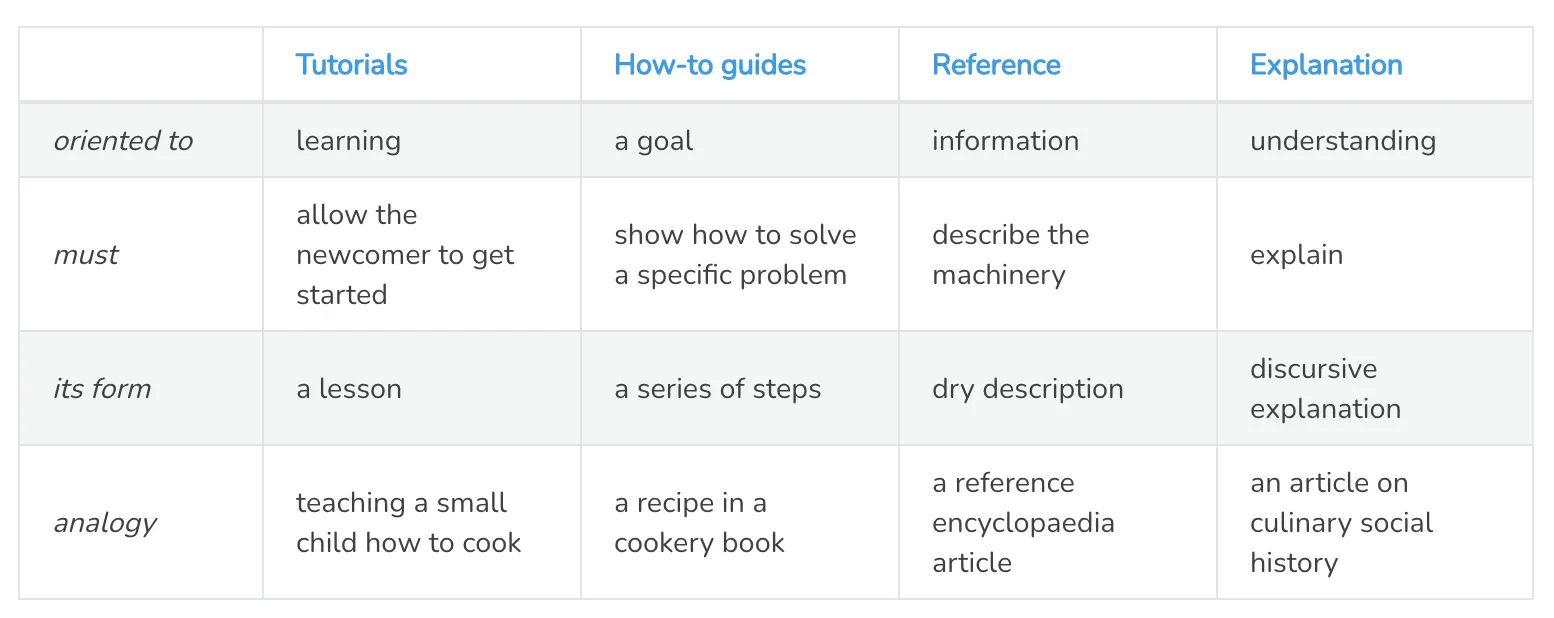
Thinking of documentation in this way makes it much easier to reason about how to tackle the job of helping people learn how to use Browserflow. Love it when a framework or a structure helps break up a complex, daunting task into smaller, simple pieces.