Day 5: The Road to Launch
Hide Feed is currently in private beta with around 25 people currently using the extension. What are the things I need to complete before launching? (I’m defining launching as shifting my focus mostly to marketing and trying to bring as much attention to it as possible by posting to Hacker News, Product Hunt, etc.)
List of tasks to complete:
\1. Collect feedback from beta testers
I’ve been brainstorming a list of questions to ask the beta testers sometime next week. Here are the things I’d like to learn:
- How valuable did they find the extension?
- In what scenarios do they find the extension most useful?
- Would they pay for it? How much?
- Any comments, suggestions, bugs they encountered
I’ve already started getting some unsolicited feedback from people, and it’s been really nice hearing about how much people are enjoying using Hide Feed:
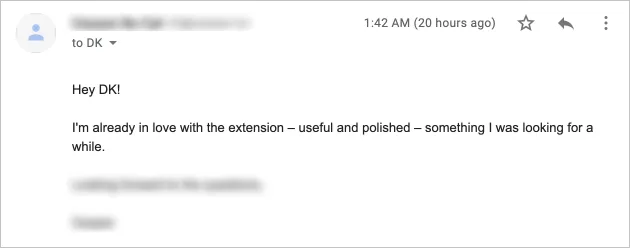

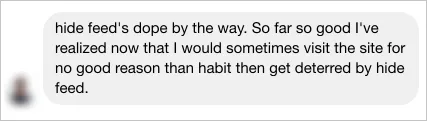
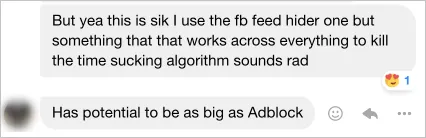
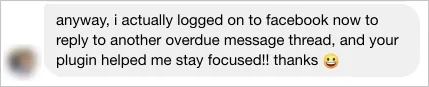
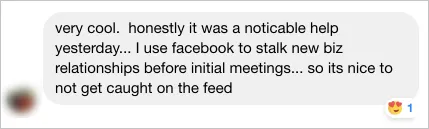
Having people tell you that they like something is obviously not the same as them being willing to pay money for it, but it’s still a useful signal and nice to hear.
\2. Conduct more user tests
I’ve learned a ton from having (read: forcing) friends to go through the entire flow from marketing page → installation → using the app in front of me. The reason why this is valuable is because things that are obvious to you aren’t at all obvious to other people. Generally, if multiple people struggle to understand something, you can bet that many, many others will also struggle with it as well.
Some examples of the feedback I’ve received from user testing so far:
-
Marketing page
- The Hide Feed icon is too scary
- Not clear that you can interact with the image sliders
- They didn’t like a particular screenshot (it was a screenshot of the Gmail inbox with the feed replaced by an image of a wave, and the tester felt like the wave was anxiety-inducing)
-
Extension
- The “Read your browsing history” permission feels scary and they don’t understand why it’s required
- Not clear what “set a custom theme” means for the image setting (they thought that the image remains the same all the time)
I’m planning to conduct more user tests at the bouldering gym that I basically live in. (Austin Bouldering Project is seriously the best place ever. $75/month for bouldering walls, a normal gym, a yoga studio, and a coworking space! Unreal.) They have a coworking space upstairs, and I’m planning to buy a bunch of protein bars and set up a sign that says “Try my app for 5 minutes and get a free protein bar”. I think it’ll be fun and really informative seeing how people who don’t know me experience the app. I’ll write more about user testing in the future and what tips I learned from working with some fantastic UX researchers during my time at Google.
\3. Improve marketing page
There are lots of improvements that can be made to the marketing page, and here are some of the major ones:
-
Get a new logo that doesn’t look like it was designed by a 10 year old in MS Paint:

Yup, this is nightmare material. -
Show (rather than tell) the value of Hide Feed above the fold
-
Right now, the page looks like this upon initial load:
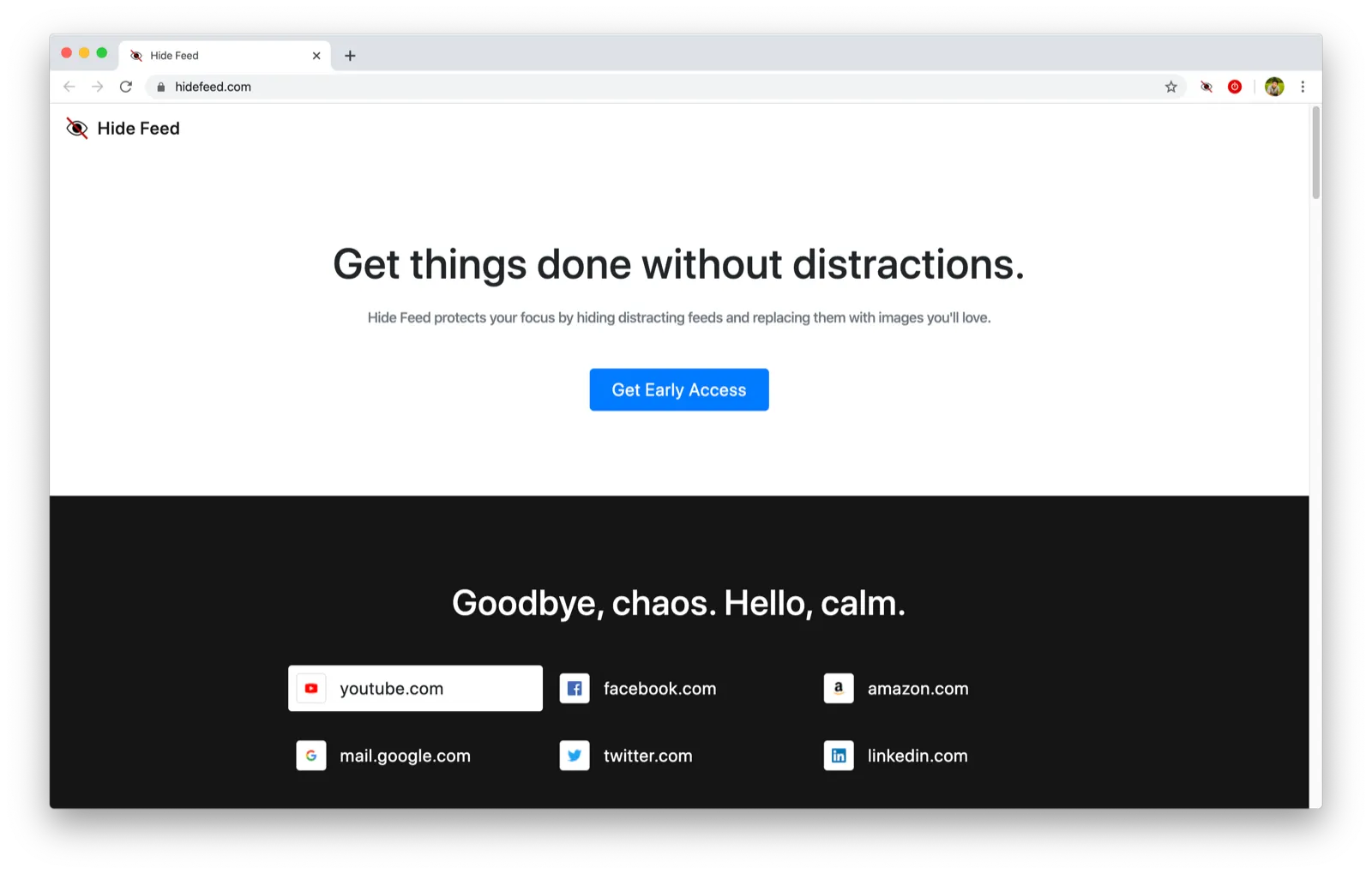
There’s nothing that really draws your attention, and several people have commented that they’d like to see a demo or something interesting right away. Currently, you have to scroll down to see the sliders:
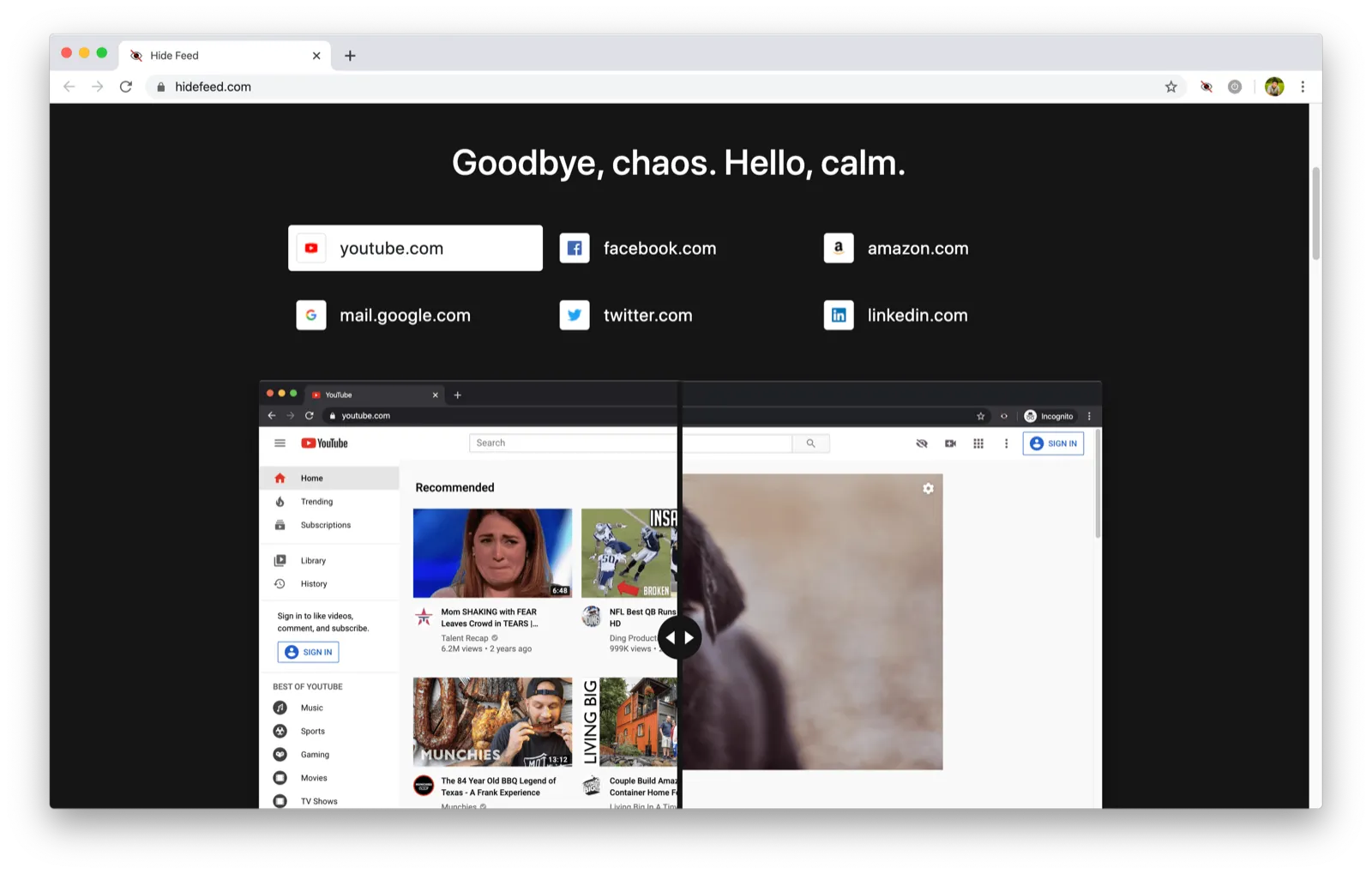
I’m considering replacing the sliders entirely with looping GIFs of the extension in action which will let people see examples of how the extension works without having to interact with the page.
That makes me a bit sad because I put a lot of time into making those sliders and some people have commented about how much they love them. But in the end, it doesn’t matter how proud I am of a piece of code or how much time I spent on it — it matters whether people get the message you’re sending.
-
Yesterday, I opened my email inbox to find an email from Michael (who was one of the people who inspired me to start the Maker Log), where he sent a breakdown of his stream of consciousness as he went through my marketing page and provided a ton of suggestions for improvement. I was seriously blown away that he took the time to do that completely unsolicited. Just wanted to publicly thank him for being so generous, and I’m hoping I can find lots of ways to give back to the maker community during my journey as well.
\4. Decide pricing plan and premium features
I haven’t quite decided how much to charge for the premium plan (maybe $3/month? $5/month? fixed cost?) and how to divide features between the basic and premium plan. I’ll dedicate an entire post to this in the future.
\5. Build infrastructure to support licenses
This is an engineering task that I’m not super excited about, but I’m going to need a way to issue licenses and add code to the extension so that people who pay for the premium plan get the premium features and others stop getting them once their free trial ends.
Amie Chen is the maker behind Spider Pro (beautifully designed, and a great example of showing the value of the product as quickly as possible), and she wrote about how she’ll probably never create another paid browser extension again due to the difficulties around setting up a payment system. I’m thinking of releasing the license server and client that I build either as an open source project or as a paid product because I’m sure there are many others who would rather not have to deal with setting this part up.
\6. (Optional) Support more sites
I’ve had requests to have Hide Feed work on a few sites that it currently doesn’t support, like workplace.com and hangouts.google.com. I have to think more about how I’ll approach adding new sites because every site I add is another site I need to maintain. I actually completely built out support for Instagram and Reddit while making Hide Feed, but removed them when I realized that they don’t have strong use cases other than viewing the feed. I think Workplace and Hangouts both have clear use cases for hiding the feed, but I also think the number of people who want support those sites will be quite small. At the same time, having support for <website that you care a lot about> would likely make the premium offering much more attractive, so maybe it’s worth adding? In general, I believe in building software that does a few things extremely well rather than a lot of things kind-of-well (a topic I’m planning to explore in a future post) which makes me lean toward keeping the number of supported sites small. As you can see, I’m not at all clear about what approach I’d like to take yet.
There’s still quite a bit of work ahead in order to launch, but it feels pretty manageable. Hoping I can get everything done in the next few weeks!