Day 409: Browerflow Beta Launch 🎉
Finally did it! After talking about inviting people to the Browserflow beta for ages now, I actually pulled the trigger and made it happen.
Here’s what I did, step-by-step:
\1. Collected emails
I set up a Google Form a long time ago on https://browserflow.app/ so that anyone who found Browserflow could get an update when it’s available. The first person signed up on June 15, 2020 (boy, that’s a while ago), and today, there are 150 on the waitlist.
\2. Invited everyone on the waitlist to the beta
I decided to (1) charge $20 to join the beta and (2) only open up 10 spots.
I wanted to charge money so that I work with people who care enough about their problems to pay for a solution, and I wanted to limit the number of spots so that I can fully support people as they get started.
I drafted an email with the announcement, ran it by a few friends (special shoutout to Shiva for copyediting the heck out of it and making it sound way better), and sent it out to everyone on the waitlist.
\3. Set up a way to collect payments
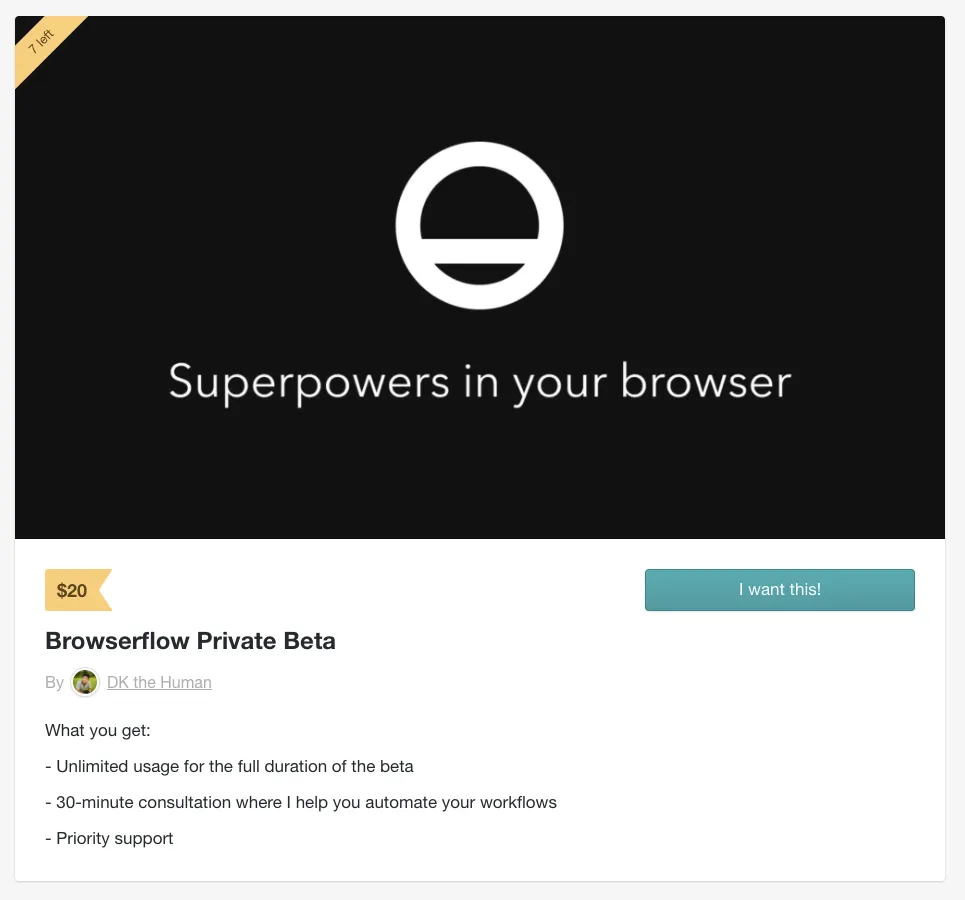
I was already familiar with using Gumroad from using it for paid subscriptions for Hide Feed, so I created a digital product called “Browserflow Private Beta” that redirects to the documentation site once someone pays $20:
\4. Prepared for new users
I wanted people to be able to start using Browserflow right away (rather than wait to schedule a call with me), so I set up two resources:
-
A Slack community for people to ask questions, share ideas, and get the latest announcements
- Thanks to David for the idea of using Slack as a space for Browserflow users to help each other rather than have me be the bottleneck
-
Documentation complete with tutorials, guides, and a reference for using Browserflow
For putting together the Slack community, I followed the instructions from my post about setting up Slack for Intention users. Thanks, me. Here’s what I used as my welcome message:
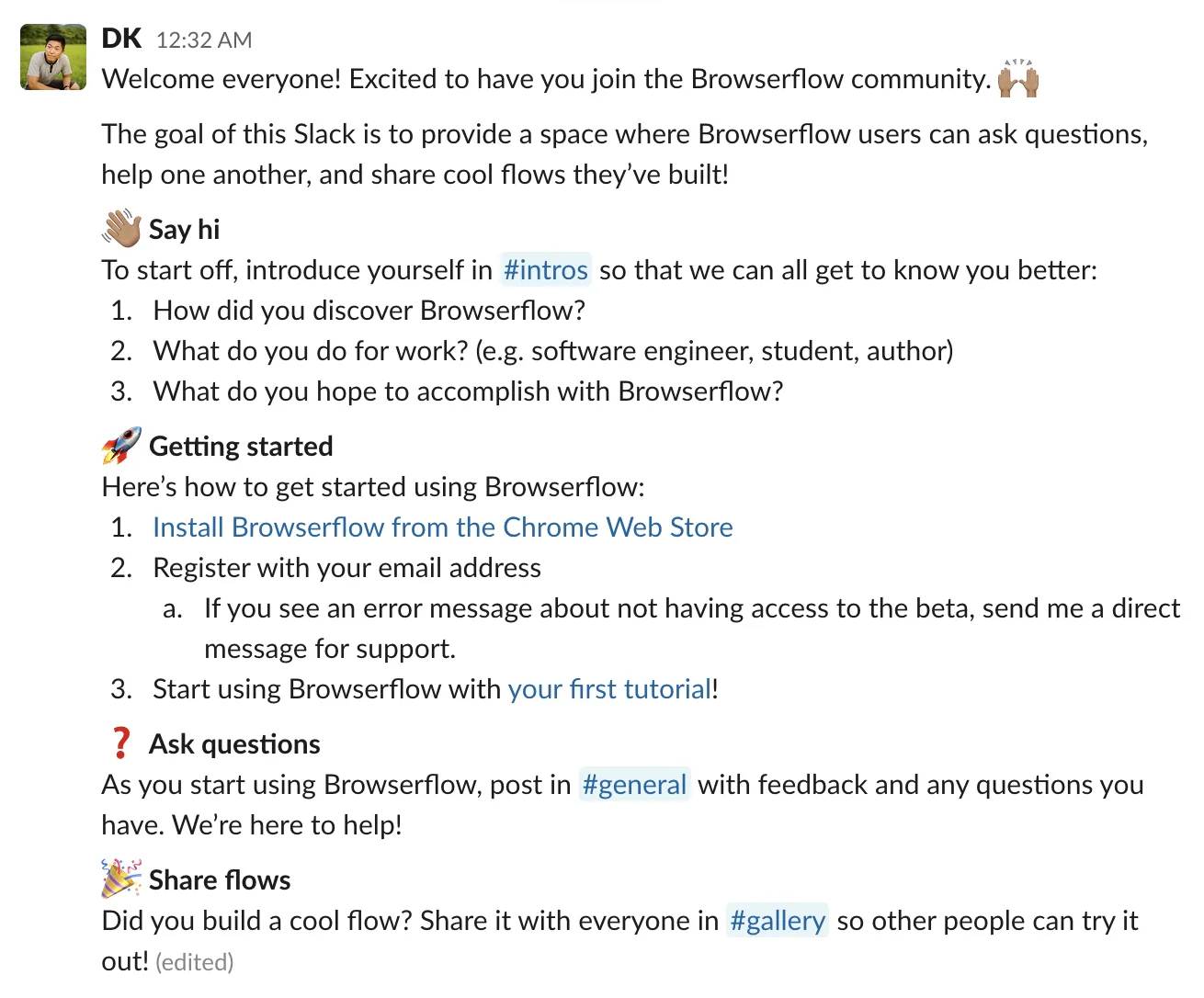
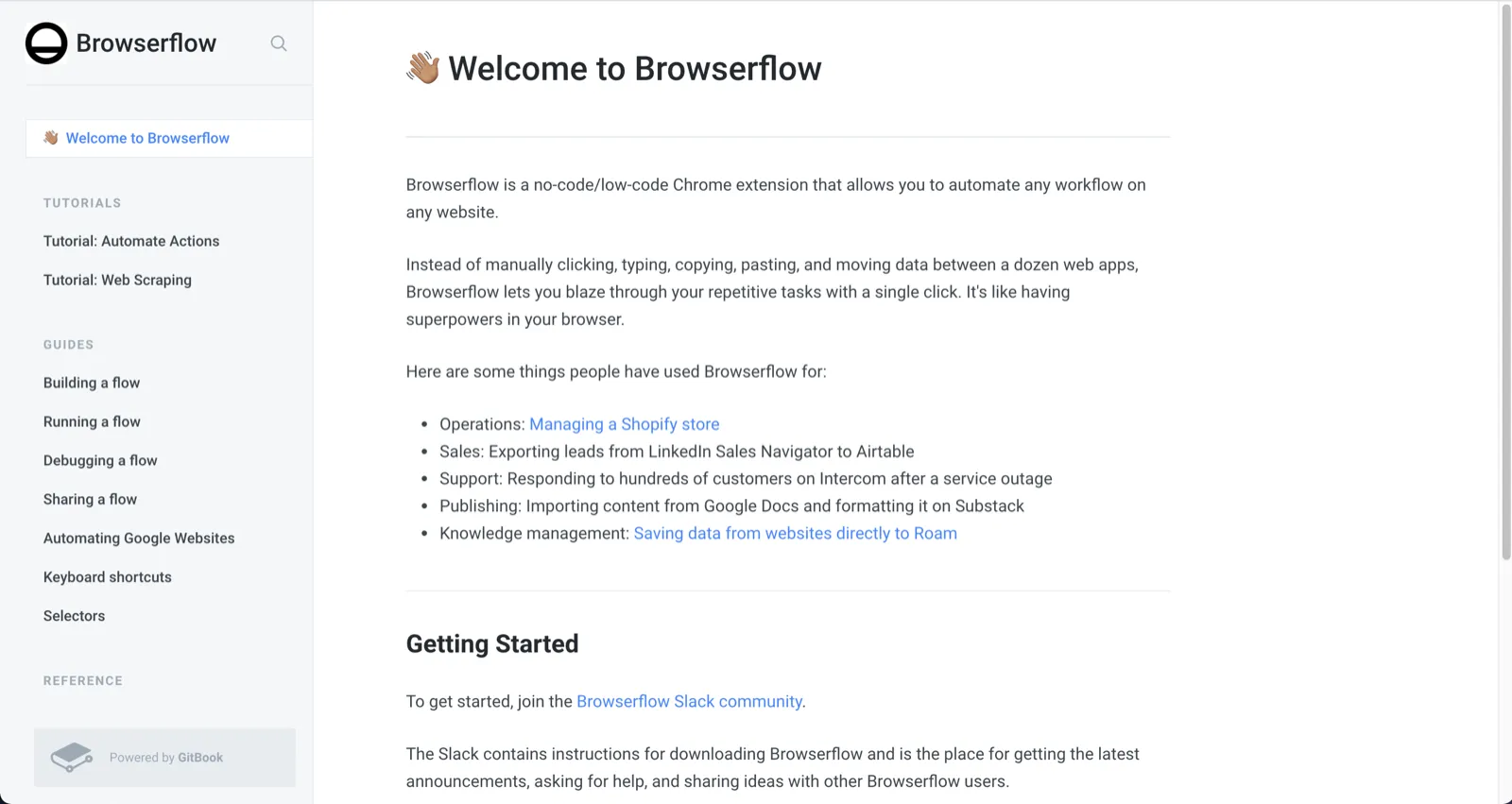
Because I want people to join the Slack so that there’s a single communication channel, I set up the documentation so that joining the Slack is the only step to getting started and further instructions for downloading Browserflow were given inside Slack.
A peek at the documentation:
\5. Invited the first 10 people to join
Out of the 150 people on the waitlist, 16 friends had already been onboarded prior to this announcement. Of the 134 people who received the email about the beta, 19 of them responded saying they’re willing to pay to join. That’s 14%, which doesn’t seem too bad, especially considering that many of them signed up over half a year ago.
I sent out an email inviting the first 10 people to join:
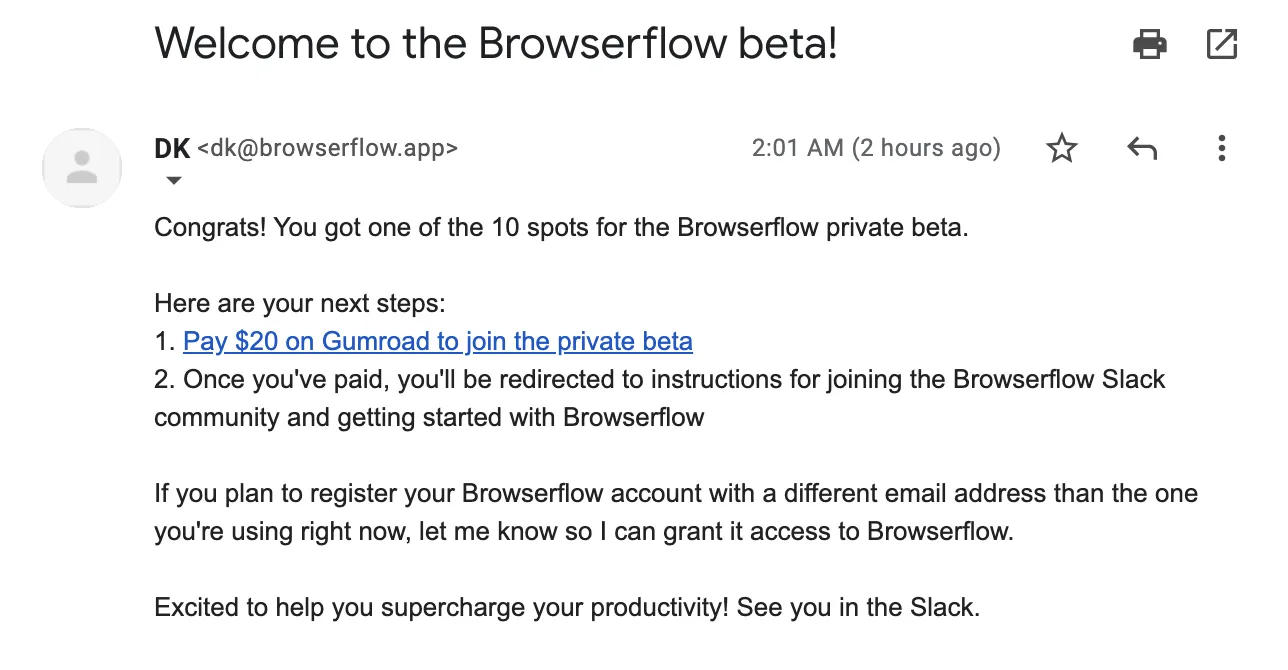
I realized after sending the email that I should’ve included a time limit on signing up. That is, something like if they don’t pay within 24 hours, then their spot would go to the next person in line. This would ensure that people who aren’t actually willing to pay wouldn’t take up a spot by someone who would. I’ll send that followup to the people who haven’t joined after 12 hours or so.
To the 9 people who didn’t get one of the 10 spots, I sent this email:
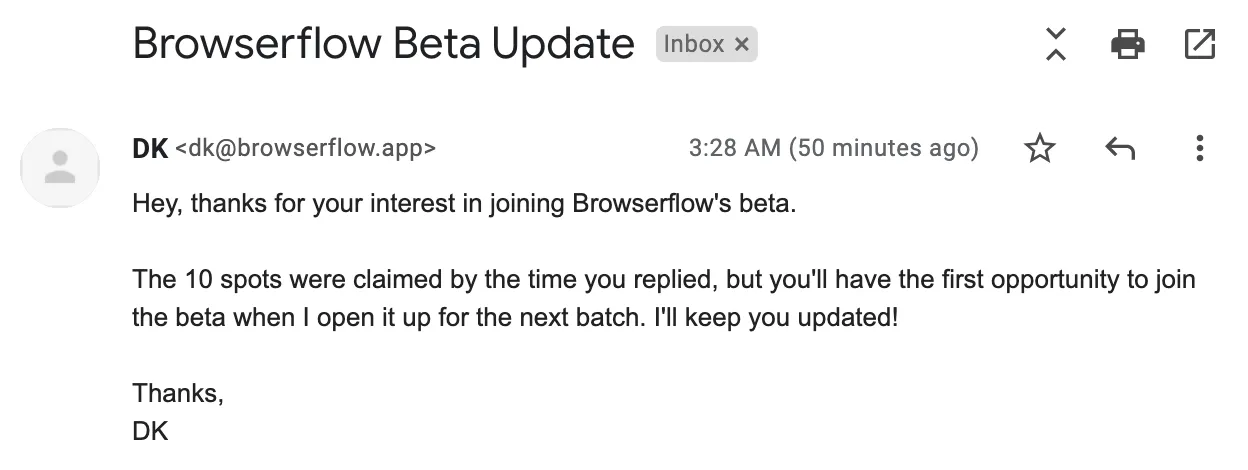
Because I thought it’s likely that some people out of the first 10 won’t actually go through with paying, I considered holding off before sending the email to the remainder, but I didn’t want to leave them hanging. If spots open up, I’ll just work my way down the list and invite people one-by-one.
And with that, the beta is underway! I’m excited to have more people using Browserflow, but I also know that given the nature of the tool, there’s a lot more work I need to do in order to make it useful for people right off the bat. Browserflow is only helpful when you actually have things to automate, so I (1) need to make sure I invite people who already have use cases in mind and (2) provide a collection that people can use right away or at least get inspired by.
Excited to get this going!