Day 422: How to Run a Giveaway on Twitter using Browserflow
My friend and maker extraordinaire Jen recently hit a well-deserved milestone of 1000 paying customers for her personal finance app Lunch Money (which she built all by herself!), and she decided to run a giveaway to celebrate:
https://twitter.com/lunchmoney_app/status/1366374745441099784
She asked me if she’d be able to use Browserflow to pick the winner, and I immediately thought: CHALLENGE ACCEPTED. 💪🏽
Why Twitter giveaways are hard
Picking a winner for a giveaway on Twitter is surprisingly challenging for one reason: It’s difficult to get the full list of users who retweeted a tweet.
If you try to scroll on the web UI or use the Twitter API, you’re limited to getting the 100 most recent retweets:

Due to this limitation, popular free services that help you select a winner like Retweet Picker only consider the last 100 retweets:
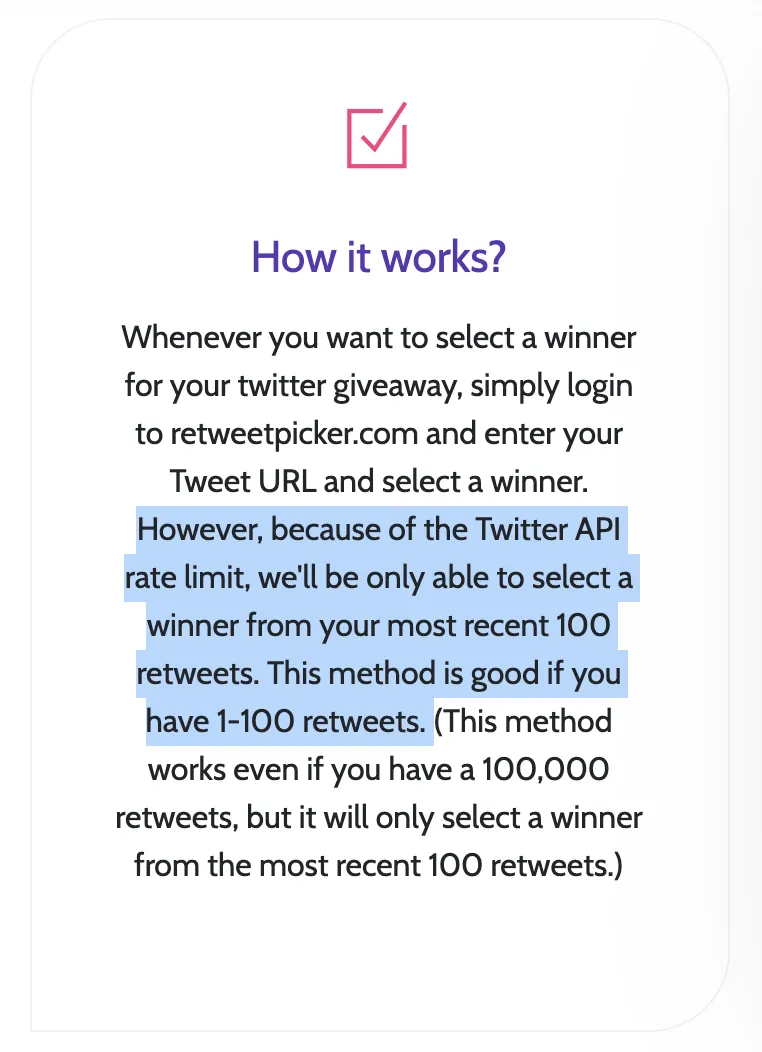
Not much of a fair contest if you have more than 100 retweets! 🤔
Fairly selecting a winner
Pieter Levels ran into this problem when picking a winner for one of his giveaways. He and his friend Marc came up with a clever solution:
- Get a list of all of his followers
- Randomly select a follower
- Check if they’ve retweeted his giveaway tweet
This removes the need to obtain a complete list of retweets, but it does add some requirements in order to work well:
-
Contest entrants must follow the account and have retweeted the tweet
- Otherwise, the followers list can’t be used to select the winner
-
The number of followers in the contest should be a decent percentage of the number of total followers
- Otherwise, picking a winner may take too long due to repeatedly checking followers who have not entered the giveaway
Using Browserflow to select the winner
\1. Export all followers when the contest ends
When the contest is over, use the flow to download a CSV of all your followers. Upload the CSV to Google Sheets and change the sharing permissions to “Anyone with this link can view” so that Browserflow can later access it.
\2. Run the flow to randomly select winner(s)
The flow works by selecting a random follower from the Google Sheet and checking their timeline for the giveaway retweet. It uses the date of the giveaway tweet to figure out when to stop checking the timeline (it skips pinned tweets and retweets since those tweets can be older yet show up before the giveaway tweet).
Here’s a demo video of the flow (this is not the real contest drawing!!!):
And bam, you have your winners!
Twitter’s other API
While writing this post, I found that Twitter provides another API endpoint for getting the list of the retweeters of a tweet. This endpoint allows using a cursor to get more than 100 results, which means that you wouldn’t be limited to the most 100 recent tweets. Solutions like Tweetdraw (supports up to 3000 retweets, but only supports picking from retweets and doesn’t check if the user follows the giveaway account) and Pickaw most likely use this API in order to get the full list of retweets of a tweet. If I were to build a custom solution, that API seems like the way to go.
Still, for giveaways that meet the requirements listed before, Browserflow provides an easy way to pick winners without giving API access to third parties or having to code up your own solution. And since you can inspect the flow and it all happens in your browser, you can ensure that the process is fair!