Day 275: types of automation
i still haven’t explicitly decided what kind of automation to target for browserflow, and this feels important as it guides what i prioritize and how i design browserflow.
for example, i was thinking today about whether i should provide an easier way to run flows (e.g. press a shortcut to have a search box appear to select a flow to run, similar to how alfred runs on desktop):
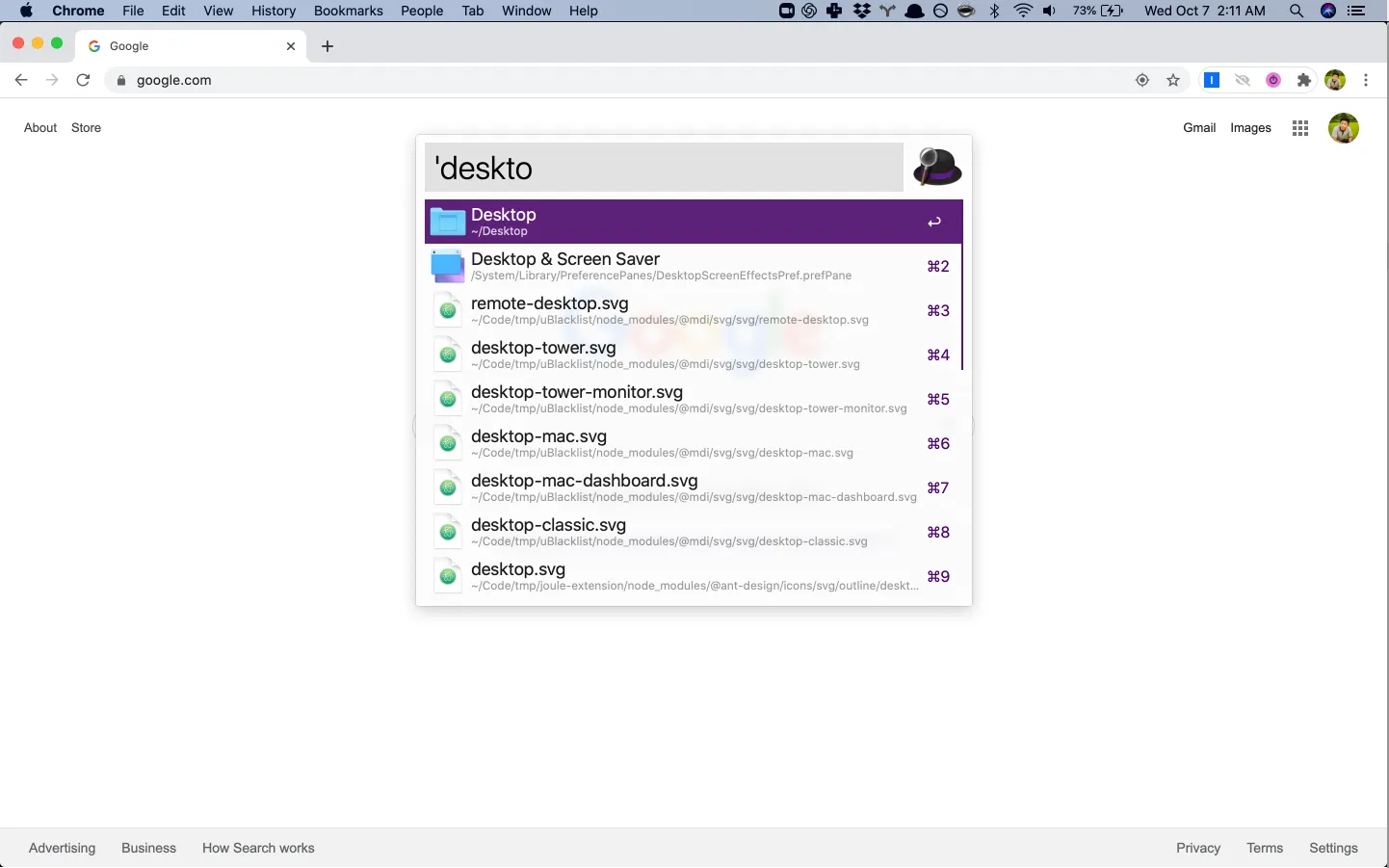
that would make it super convenient to run flows, but it targets a specific type of automation — more on that below.
the different types of web automation can be thought of as living on two different axes: on-demand vs. automatic and local vs. cloud. some examples of each combination:
-
on-demand local automation
- copy text and information about the current page to a note-taking app
- process a bunch of data in a web form
- download a list of everyone i follow on instagram/twitter/etc. and then unfollow them
-
on-demand cloud automation
- (same examples as the on-demand local case but doing it in the cloud allows not having to have the browser open)
-
automatic local automation
- every time i go to music,youtube.com, automatically click “yes” whenever the “are you still listening?” prompt appears
- when i go to a particular site, redirect me to another site instead
- filter certain sites out of my google search results
-
automatic cloud automation
- every hour, check if an appointment slot opened up at my clinic/restaurant and create a reservation if so
- 24 hours before my flight, check me in on southwest so that i get early boarding
- scrape a site every day and send an email if anything changes
so far, i’ve been building for the on-demand local case and that already opens up a lot of use cases. a few days ago, my housemate was stoked when browserflow was able to read in a google sheet of items he wanted to sell and automatically post them to craigslist.
the automatic local automation case is promising because it’d replace the need for many one-off chrome extensions (e.g. this one that does a simple redirect popped up in my twitter feed today).
the most exciting one here though, is automatic cloud automation. it’s one that several people have requested during the browserflow onboarding sessions and for good reason — many of the most tedious tasks involve having to do things at a particular time or when a certain condition is met. one of my friends told me about how his wife purchased an automation bot to repeatedly check for nintendo switch availability and purchase one when they were selling like hot cakes and no one could get their hands on them. browserflow could easily accomplish that task, but it’d mean setting up the infrastructure to run flows in the cloud. because of the potential here, this is also the most competitive category of the four above (e.g. Zapier thrives in this space).
i’m getting ahead of myself. i should first focus on doing a great job with the on-demand local automation case, and thankfully, much of the work (e.g. creating a flow, editing a flow, running a flow) will carry over to the other cases as well.
i can’t stop thinking about the automatic cloud automation case though. it’d be a gamechanger.