Day 222: Housemate Onboarding
I onboarded my housemates to Browserflow today and they enthusiastically participated for an hour and a half — on a Friday evening no less! They’re the best.
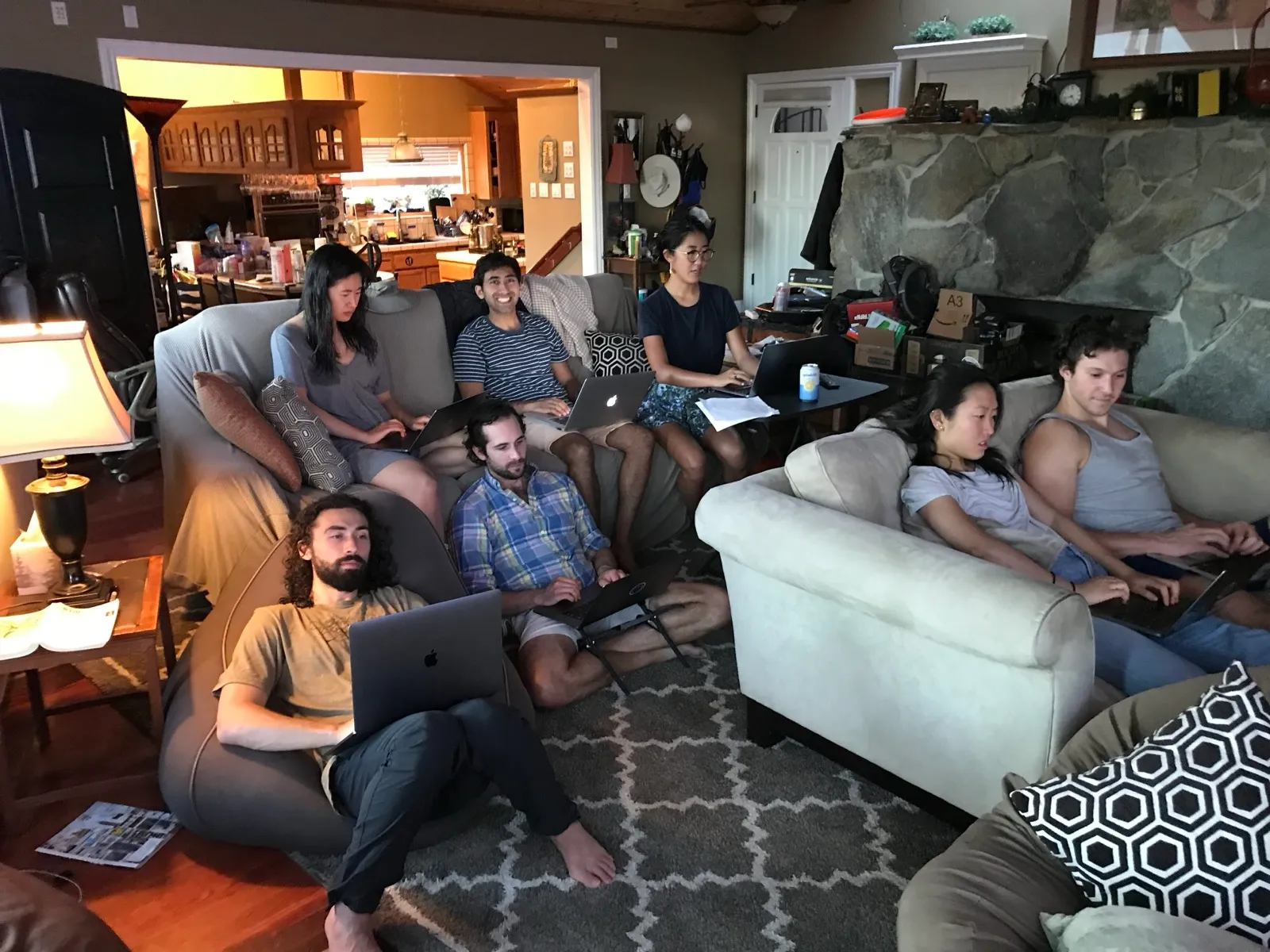
I initially led them through creating a few flows to get the hang of Browserflow:
-
Flow 1: Searching YouTube for a video
- Concepts: Recording a flow
-
Flow 1a: Asking for text input to search YouTube
- Concepts: Variables
-
Flow 2: Take screenshot of an element
- Concepts: Variables, selector utilities, shortcuts
-
Flow 3: Scraping HN
- Concepts: For loops, buffer, breakpoints using Pause
-
Flow 3b: Calculating average length of HN titles
- Concepts: Custom scripts, exporting variables from scripts
I then made everyone race to complete a challenge:
-
Given a list of restaurants on Trip Advisor, print out the name of the top 10 restaurants with a link to its Google Maps URL
1. Linda's Seabreeze Cafe - https://www.google.com/maps/@37.1134033,-122.0984866,14z
2. Lillian's Italian Kitchen - https://www.google.com/maps/place/Lillian's+Italian+Kitchen/@36.9796367,-122.0126233,17z/data=!3m1!4b1!4m5!3m4!1s0x808e401ec6582e0b:0x5593fd4041c05224!8m2!3d36.9796367!4d-122.0104346
3. Laili Restaurant - https://www.google.com/maps/search/3.+Laili+Restaurant/@37.1134033,-122.0984866,14z
...
Everyone got really into it, and the winners were 1. Suz 2. Cathy and 3. Evan. The women in our house are the strongest coders!
Here were some of the major takeaways from onboarding everyone today:
Too difficult for non-technical users
So far, I’ve only onboarded people with technical backgrounds, so I was looking forward to have Serena, who doesn’t code, try out Browserflow. What I found is that Browserflow is way too complex for people without technical backgrounds. Serena generously tried to follow along as best as she could, but it became clear that it’s not reasonable to expect someone to pick up Browserflow without some prerequisite understanding of variables, for loops, CSS selectors, the DOM, etc.
My sense is that a small, technical minority of Browserflow users will create flows that are used by the vast majority of Browserflow users who are non-technical. Although I wanted to make Browserflow so simple that nontechnical folks could create their own flows, I’m not sure that’s possible if I want to keep it a general purpose tool. The alternative is to narrow my focus into a few use cases and streamline the experience (e.g. visualping.io), but I’m not sure I want to go that route.
Mysterious performance issues
Zain and Jules experienced a strange problem where Browserflow commands ran super slowly (like ~1 command per second), which persisted even after they restarted Browserflow and even restarted Chrome. It worked fine for others so need to find out what’s special about their environments.
Usability needs major work
The UX still needs a ton of work. People struggled to figure out that you can click on the command to get a dropdown (it looks like a plain text field), and there’s a lot of low-hanging fruit to make the experience considerably better like autocompleting variables.
It works!
In the onboarding sessions I’ve run for Browserflow, people often will pause after running a flow and say something like “oh wow, this is very cool”. Today was no exception. It was incredibly satisfying to hear my housemates tell me how impressed they are with Browserflow and how fun it was to play with it. Of course, this doesn’t mean that this will necessarily be a successful product from a business perspective, but it’s always a thrill to have people you respect tell you that they appreciate your work.
I’m not sure where to go from here. Once I fix some of the major bugs, should I iterate more on usability? Should I make performance improvements? Should I onboard more people and start spreading it to a wider audience?
Boop, I’m too tired now to think through this strategically.